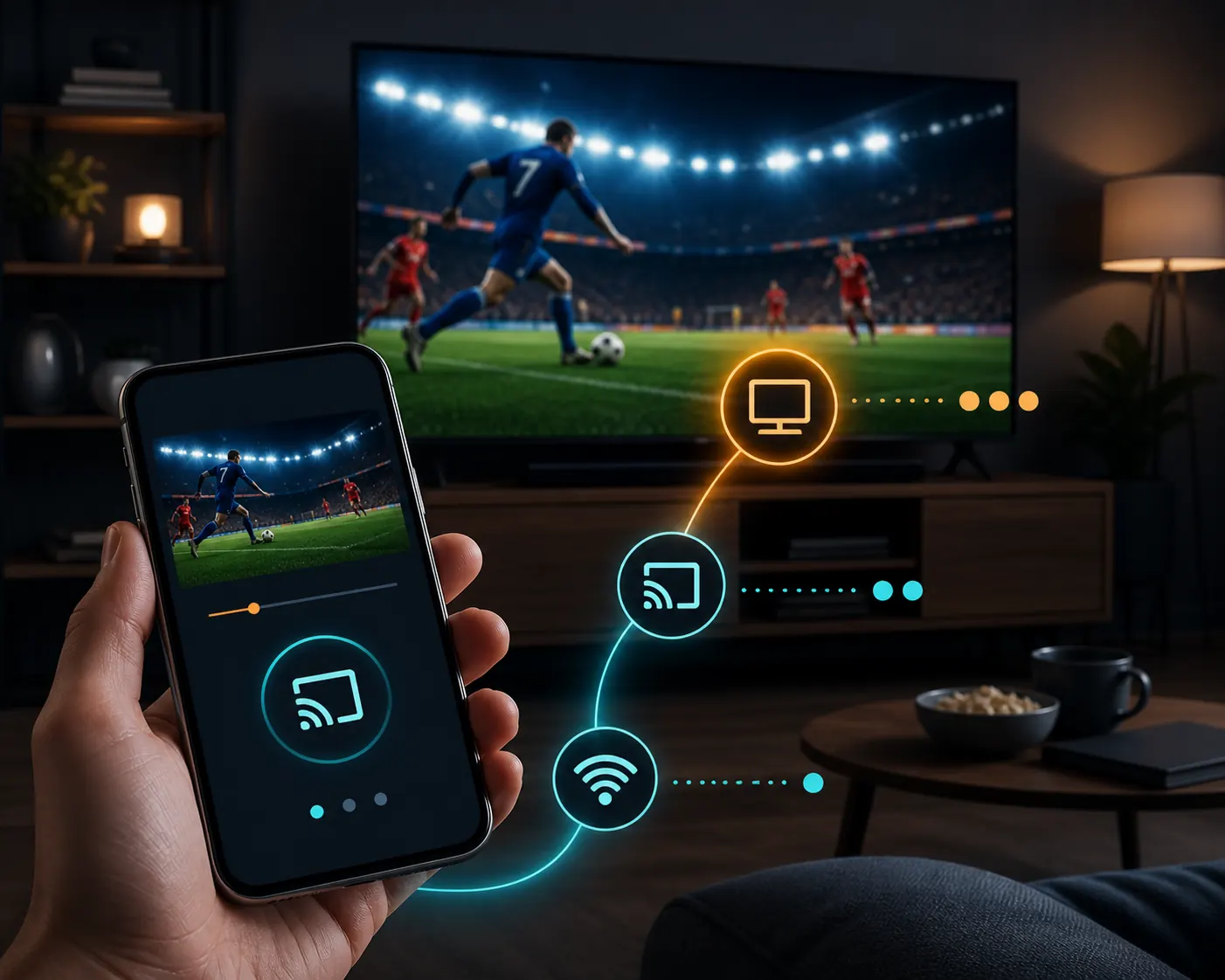
Quick answer
To use Futbol Libre on Roku, identify your model, connect the phone or PC and Roku to the same network, then choose a store channel or a supported mirroring/AirPlay path. Roku documents connection requests from Android and Windows, while compatible models can use AirPlay. Do not download an Android APK for Roku or grant permissions to a page that promises to unlock a match.
What Futbol Libre on Roku actually means
The search futbol libre on roku can describe three different things: a web page someone wants on a large screen, a scores app with a similar name, or a request to install a Roku channel. They use different products and workflows. Roku has its own operating system and store; it is not an Android TV Box. Start by writing down whether you have a Roku TV, Roku Express, Roku Streaming Stick or another player.
The expected output also changes. A Roku channel appears in the device menu; screen mirroring shows what is already open on a phone or PC; AirPlay sends content from a compatible iPhone, iPad or Mac. If you only need fixtures or scores, a results app may be enough. If you want live video, check the source and rights for each event because the Futbol Libre name does not prove that a stream is official.
| Route | Input | Output | First check |
|---|---|---|---|
| Roku channel | Roku store and remote | Installed channel on Home | Channel name and publisher |
| Android or Windows | Smart View, Connect or mirroring | Phone or PC screen on TV | Same Wi-Fi and model support |
| iPhone, iPad or Mac | AirPlay | Video or screen sent to Roku | AirPlay compatibility |
| Android APK | External file | Not a native Roku route | Stop and do not install |
Check an official route before opening a link
To watch Futbol Libre on Roku, open Home and check the Roku Channel Store or the manufacturer's help pages first. Read the full channel name, publisher, description and requested permissions. A web page with a Download Roku button does not turn an Android APK into a Roku channel. Close the page if it jumps between domains, asks for a card for a free trial or installs a profile.
Search results may show sports services that do have a Roku channel, but that does not make them Futbol Libre or free. Roku's screen-mirroring article says that web pages, videos, photos and music can be displayed from another device. Use that documentation for the connection and the provider's official listing for the actual catalogue.
- Turn on Roku and open Home, Streaming Store or Search.
- Record the channel name, publisher, rating and description instead of trusting its icon.
- Check that the help URL belongs to Roku or to the provider that claims to publish the channel.
- Stop if the flow demands an APK, extension, certificate, profile or unrelated permission.
- Test the channel with an authorized source before changing device settings.
Android and Windows: screen mirroring to Roku
Screen mirroring is the simplest way to put a page that already works on an Android phone or Windows PC onto Roku. Roku says to enable the feature on the source device and then request a connection to the player. On a Samsung phone it is usually called Smart View; other Android devices may call it Screen Cast, Wireless Display, SmartShare or a manufacturer-specific name. In Windows 11, press Win + K and choose a wireless display.
Connect both devices to the same Wi-Fi network and accept the request shown on the TV. A matching network name is not enough when a guest network isolates devices. Picture and sound depend on the phone, Roku model and page being played. Mirroring cannot repair a dead link, regional block or unlicensed source; it only displays what the source device can open.
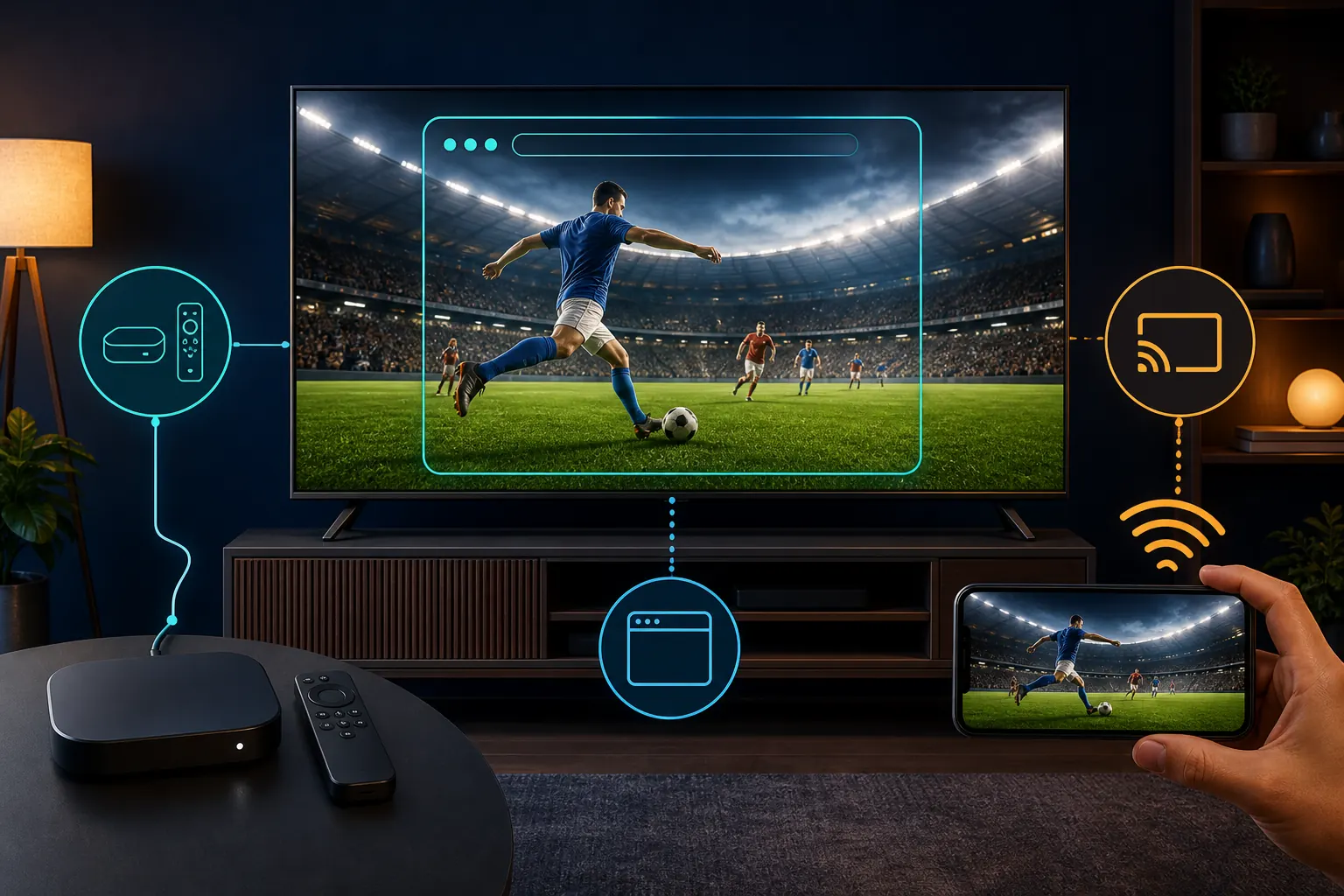
- On Roku open Settings, System and Screen mirroring; keep the first test on Prompt.
- On Android open the quick panel, tap Smart View or the equivalent and select Roku.
- On Windows 10 use Action Center > Connect; on Windows 11 press Win + K and select the device.
- Look at the TV and choose Allow for the session only when you recognize the device.
- Play on the phone or PC, check audio and delay, and disconnect from the same menu when finished.
iPhone, iPad and Mac: AirPlay
The futbol libre on roku iphone route is different from Smart View. Roku documents AirPlay for compatible Roku devices and Apple equipment. On iPhone or iPad, open Control Center, tap Screen Mirroring and select Roku; in a compatible player, use its AirPlay icon. On macOS, the mirroring menu lists available receivers when both devices meet the requirements.
If Roku does not appear, check the model and system version, update the player under Settings > System > System update and confirm that the iPhone and Roku share a network. AirPlay does not make an unknown web page an authorized source, and some pages block mirroring because of rights or their player. Do not install a configuration profile or an app that promises to enable AirPlay outside the official menus.
- Connect the iPhone, iPad or Mac and Roku to the same home Wi-Fi.
- Open Control Center and tap Screen Mirroring, or use AirPlay inside a compatible app.
- Select the Roku name and enter the code shown on the TV.
- Check that sound uses the right device and that no frozen preview remains.
- Tap Stop Mirroring when finished and remove unknown devices from access lists.
Roku does not show the match: a step-by-step diagnosis
When Futbol Libre on Roku is not working, change one variable at a time. Check whether other Roku channels open and whether the phone can browse on the same network. Then review the player model, system version and wording of the connection prompt. A black screen can come from the player, link or content protection; installing another APK does not identify the cause.
If the channel is not in the store, do not force an Android installer. If mirroring drops, move the devices closer to the router, close other streams and accept the request again. If only one page fails, try an authorized source on the same phone. Keep the time, model and error message so you do not repeat risky downloads or permissions.
| Symptom | Low-risk check | Avoid |
|---|---|---|
| Roku is missing | Same Wi-Fi, update and restart | Changing DNS or installing profiles |
| Black picture | Another channel or authorized source | Downloading codecs or players |
| Mirroring drops | Move devices closer and close sessions | Always accepting every device |
| Scores only | Read the product listing | Confusing scores with live video |
| Remote does not respond | Use a TV-friendly channel and restart | Forcing a mobile-only app |
Safety: APKs, permissions and domains
Futbol Libre on Roku safety starts with the fact that Roku does not need an Android APK. A file that promises to unlock a stream, turn Roku into Android or activate premium channels is a warning sign. Do not grant SMS, contacts, accessibility, device administration, certificates or unknown-source installation rights just to play a match.
Also inspect the phone browser. Pop-ups that imitate a Roku message, shorteners, redirects and players that demand an extension are not part of Roku's documented connection flow. Close the tab, delete the incomplete download and review installed apps. For a stable stream, use a store channel or an authorized provider available in your country.
| Signal | What it may mean | Prudent response |
|---|---|---|
| APK for Roku | Wrong product or installer | Do not install; return to Channel Store |
| Certificate or profile | Configuration controls the device | Cancel and remove the profile |
| Card for free verification | Unexplained subscription or fraud | Close and check the provider |
| Contacts or SMS permissions | Access unrelated to playback | Deny and stop |
| Many domains and buttons | Unstable mirror or aggressive ads | Use a recognizable source |
Channels, quality and experience limits
A Roku channel may offer sports, scores or a subscription; its name and publisher determine the actual content. A listing in Search does not guarantee every league or availability in every country. Read language, schedule, price and compatibility before starting. If a channel only shows scores, that is the product's function rather than a mirroring failure.
Screen mirroring adds delay and depends on Wi-Fi, the source phone and the browser. Lower video quality only when the source supports it, and do not open several streams at once. For a stable big-screen experience, an official provider app normally offers more predictable controls than an unknown page sent from a phone.
Official source checked
- Roku: screen mirror from a phone, tablet or computer - Covers Android, Windows, AirPlay, connection prompts and supported models.
Alternatives and the final decision
If your goal is football on a Roku screen, choose the path that matches the device you already own. For Android, Windows or Apple, try the documented connection feature and a source you can identify. For a channel, use the official store and provider listing. For a page that will not load, use the Futbol Libre online or general troubleshooting guide before changing packages.
There is no universal latest Futbol Libre version for Roku because Roku does not run a generic Android application. Legality and availability depend on country, event and broadcaster rights. If you cannot verify the source, wait or choose an authorized sports platform. That may be slower, but it avoids linking accounts, certificates or devices to a site you cannot identify.
Frequently asked questions
Can I install a Futbol Libre APK on Roku?
Not as a native Android application. Roku uses its own system, so check the Channel Store, browser or a compatible mirroring/AirPlay route. A file that promises to turn Roku into Android is not an official installation.
How do I watch Futbol Libre on Roku from Android?
Connect both devices to the same Wi-Fi, enable Screen mirroring on Roku and use Smart View, Cast or the phone's equivalent. Accept the request only when you recognize the device and stop the session when finished.
Does Futbol Libre on Roku work with iPhone?
Compatible Roku models can use AirPlay with iPhone, iPad or Mac. Check the model, system version, shared network and TV code; do not install profiles that promise to activate AirPlay.
Why is my Roku missing from screen mirroring?
The network may isolate devices, the model may not support the feature or mirroring may be disabled. Restart the router and Roku, update the system and try a home network instead of guest Wi-Fi.
Is a Roku sports channel the same as Futbol Libre?
Not necessarily. The store can list a sports service with a different publisher, subscription or catalogue. Read the listing, country availability and provider; a similar name does not prove the same product.
Is it safe to download a Roku player?
Avoid unknown players, extensions, certificates and profiles for a web page. Roku documents its connections from the system, so an unrelated permission request is a reason to close the link.
Does screen mirroring remove a broadcast block?
No. It only shows what the phone or PC can open. Rights, region, removed links and player restrictions still apply on the source device.
What if I only see scores and no video?
Read the channel or app description. It may be a fixtures and scores product rather than a streaming service. Use an authorized video source instead of changing APKs just because they share the Futbol Libre name.